
4 min read
Booking confirmations and reminders that actually help customers
What should customers know after booking? Build a thoughtful messaging flow with clear confirmations, relevant reminders and less repetition.
A booking confirmation should make the appointment clear. A reminder should help the customer arrive prepared. When each message has its own purpose, you need fewer words and avoid sending the same information over and over.
In Bookingtjeneste.no, workflows can follow a booking with confirmations and reminders. The most important work happens before you activate them: choosing the right event, recipient and content. Here is a practical way to plan your messages.
The confirmation: bring together what the customer just chose
Think of the confirmation as the customer’s reference note. It should be easy to find again and contain the details people usually look for later: which service, which day, what time and where.
Put the most important information first. Customers should not have to read a long introduction to your business to find their appointment. A specific subject line, such as “Your appointment at Fjord Salon – Thursday 14 November”, is easier to recognise than “Thank you for your booking” alone.
This is a writing example, not a ready-made technical template: “You have booked an initial consultation on Thursday, 10:00–10:45. We will meet at Storgata 12. Please arrive five minutes early. If you have questions, you can reply to this email.” Replace the details and contact method so they actually suit your business.
The reminder: choose what is useful just beforehand
A reminder usually does not need to repeat the entire confirmation. Prioritise the time, meeting place and preparation that matters now. If customers need to bring equipment or use a particular entrance, this is a good place to repeat that detail.
The timing should suit the service. A short conversation may need little preparation. A visit involving travel or special equipment may need information earlier. There is no single interval that is right for everyone.
Avoid adding more messages simply because you can. Read them together as one customer journey. If the confirmation, an extra email and two reminders all say the same thing, consider which ones actually have a purpose.

Choose the channel to suit the content
Email has room for an address, directions and more practical information. A short SMS can work when customers mainly need a reminder of the time and place. Avoid squeezing an extensive service description into a short message.
SMS credits are purchased separately in Bookingtjeneste.no. Decide which messages should use SMS and which work as email. This is part of the setup, not a reason to send customers less useful information.
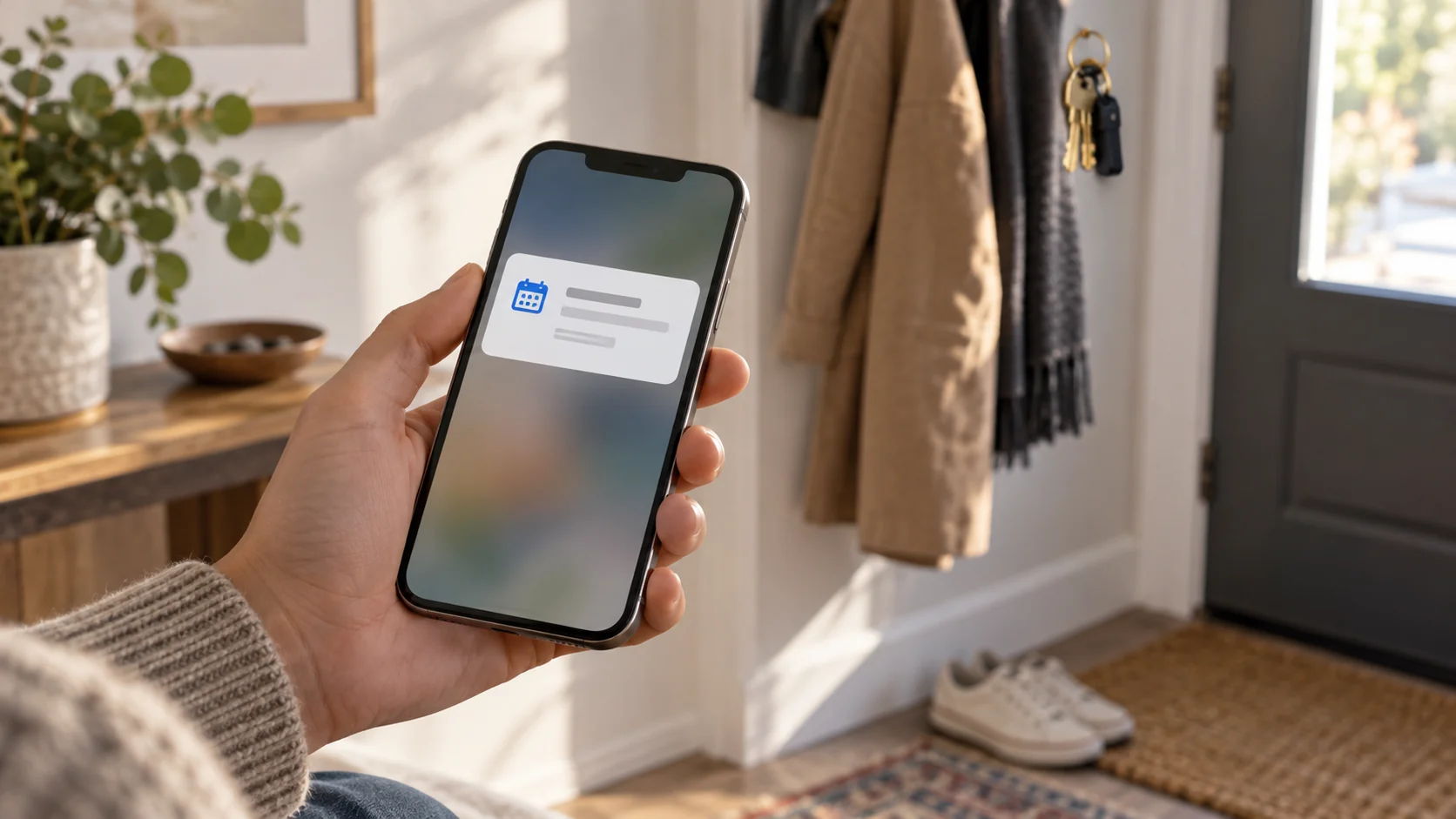
Also consider details shown on a locked phone screen or in a shared inbox. A reminder rarely needs a detailed description of personal circumstances. Limit the content to what customers need to manage the appointment.
Build the workflow around the event
Start with a simple outline on paper: When should something happen, who should receive the message and what should it help them do? Then configure the workflow. A customer message and an internal notification have different recipients and should be considered separately.
- When a booking is made: Make the booking understandable to the customer.
- Before the appointment: Remind customers of the time, place and necessary preparations.
- When relevant changes occur: Check that the customer receives updated information from your chosen workflow.
- After the appointment: Only send follow-up messages with a clear purpose that suits the service.
Use dynamic booking details where the solution provides them. Also check how the message looks when an optional field is empty. An unfinished sentence or visible placeholder makes even a correct appointment harder to trust.
Check the complete messaging flow before use
Carry out an agreed test with a recipient you control. Look for incorrect times, missing addresses, duplicate messages and unsuitable links. Also check what happens when the booking changes. The test should follow the same sequence as a normal customer experience.
Can reminders guarantee everyone will attend?
No. They can give customers useful information, but they do not guarantee attendance. Use them as part of clear procedures for appointments and communication.
Does the customer need both email and SMS?
Not necessarily. Choose based on the content and customer journey. One thoughtful message can be more useful than several that repeat each other.
See the workflow guide for the setup, and use the documentation when customising individual messages.