
4 min read
How to build a booking page customers can navigate
Make the journey from interest to booking clear. A practical guide to services, available times and the information customers need.
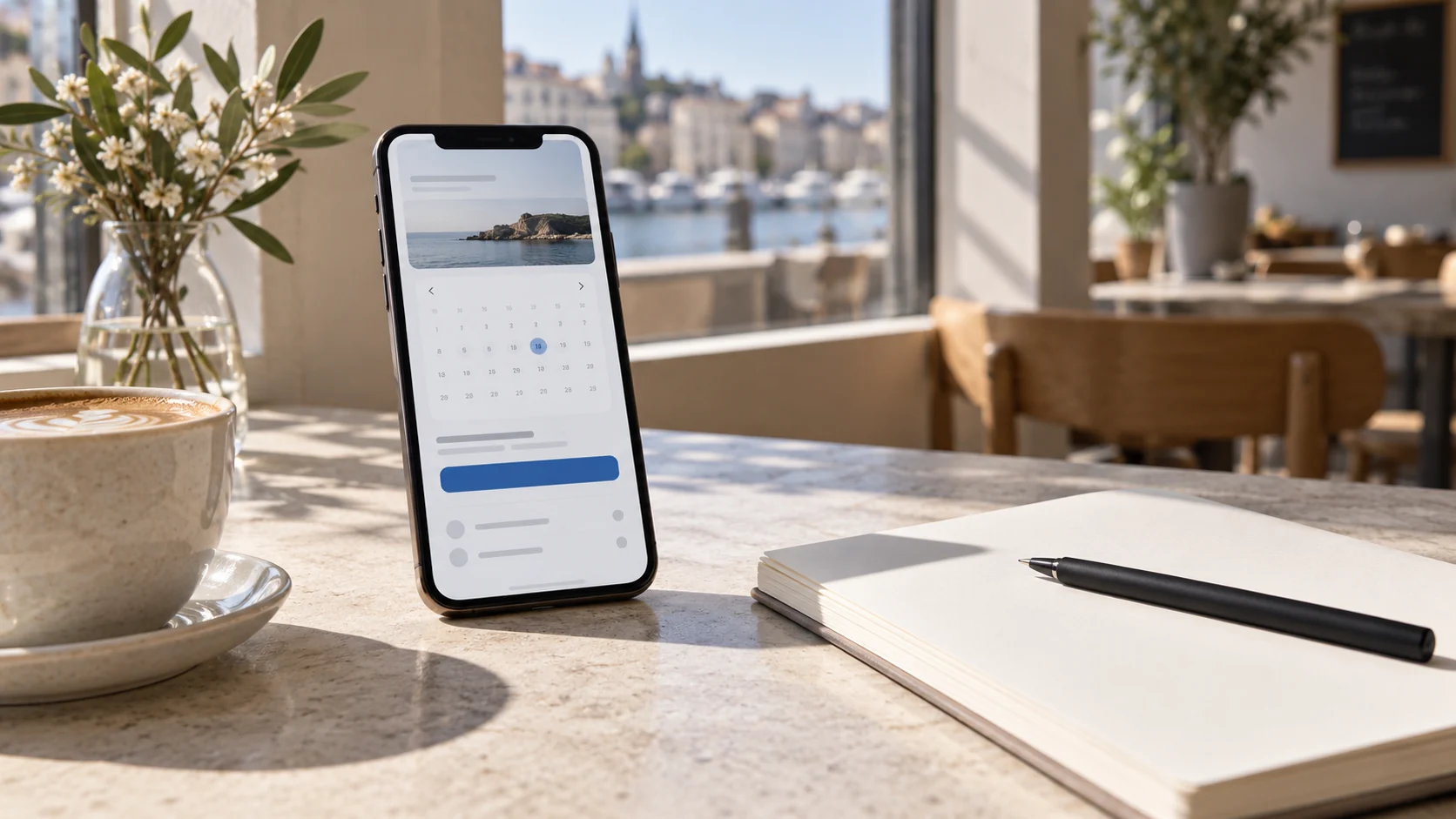
A good booking page helps customers answer three questions: What should I choose, when can I come, and what happens next? Start with these questions before adding more choices or writing long descriptions. A clear booking is easier to complete and follow up.
You do not need to show everything your business does at once. Show what customers need to book correctly, and place practical details where they become relevant. Here we walk through a booking page from the first visit to a completed appointment.
Start with what customers actually want to book
Internal names rarely work well in a service menu. “Consultation 1” tells a new customer very little. “Initial consultation – 45 minutes” explains both the purpose and the duration. Use names customers recognise from your website, a phone conversation or the sign on your door.
Describe each service in a few specific sentences: Who is it for? What is included? How long does it take? What does it cost? If customers need to prepare anything, make that clear before they confirm the booking.
Consider a workshop offering diagnostics and routine servicing. Customers should understand the difference without knowing the workshop’s internal procedures. A short explanation of what will be checked is more useful than a long list of technical terms.
Put choices in a natural order
A customer booking a treatment may think about the service first. Someone who already knows a particular practitioner may care more about who is available. Either way, the choices must lead to a setup where the service, option, location and time actually work together.
- Service: What does the customer want to book?
- Option: Which person, resource or other relevant choice should the appointment be linked to?
- Location: Where should the customer arrive?
- Time: Which available times work with the setup?
In Bookingtjeneste.no, you set up your offering before sharing the booking page. Start with a manageable selection and check the combinations. Lots of nearly identical service names do not necessarily make the page more useful.

Provide practical information before uncertainty arises
Customers should not have to search for the address after booking. Show clearly where the appointment takes place, and distinguish in-person visits from other meeting formats where relevant. Use an understandable location name, especially if your business operates in several places.
Explain any additional services in a way that makes their effect clear. Customers should understand what an add-on includes and how it affects the price or duration. An add-on should complement the main service, not hide something that is actually required.
Be particularly specific about payment. Will the customer pay during booking or on arrival? The visible information must match the payment method you have configured. Read the final step as though you have never encountered the business before.
Test with a phone and a completely new customer in mind
Open the booking page on your phone without being signed in as an administrator. Complete the booking process and read the text aloud. You will often discover names and explanations that seem obvious internally but are unclear to others.
- Find the booking link from the homepage.
- Choose a service without relying on prior knowledge.
- Check the location, duration and price.
- Choose an available time.
- Review the fields and confirmation.
- Check the message the customer receives using an agreed test recipient.
Also test a time with no availability. Customers need a clear way forward, such as choosing another day. Share the page with a colleague who did not set it up, and ask them to explain where the choices become unclear.
Common questions about booking pages
Should every service be on the booking page?
Include the services customers can actually book. Offerings that need individual discussion can be explained on your website with a clear way to contact you. Do not suggest that an appointment is confirmed if you first need to agree its scope.
What should the confirmation include?
The service, time, location and relevant practical information. Customers should also understand how to contact you with questions. The confirmation must match what was booked.
Want to see how the setup works? Read the guide to the booking page, or try the booking demo before setting up your own customer journey.